The problem: displays fail when stakes are high
When a screen goes dark in a control room or public concourse, people notice fast — and repairs cost more than the set. Many teams buy consumer TVs and hope for the best. That gamble breaks down under heat, dust, continuous runtime, and harsh mounting requirements. If you want predictable uptime, start by choosing a vendor who understands industrial needs; check a reliable monitor manufacturer early in the spec process so panels are rated for the real environment.
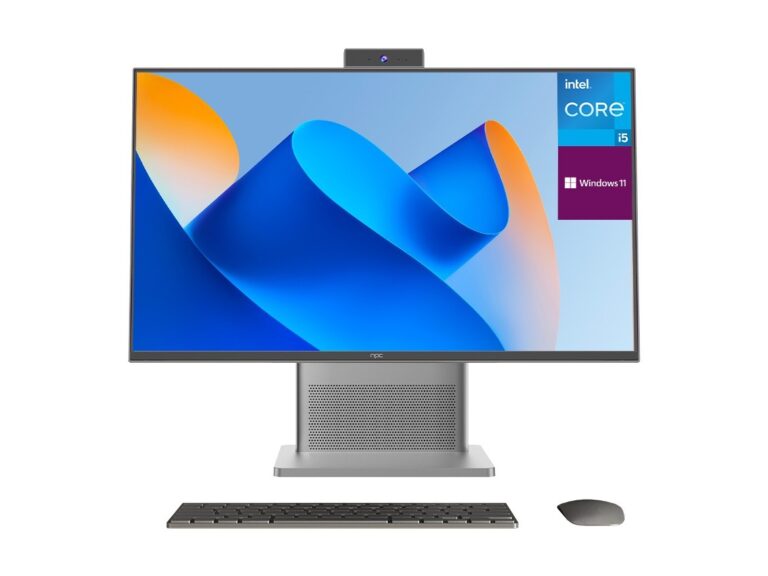
Why consumer sets don’t solve commercial problems
Consumer TVs optimize for living rooms: peak brightness for HDR, fancy picture modes, and energy-saving sleep routines. Commercial settings need different trade-offs. Expect requirements for constant-on operation, anti-glare coatings, extended temperature ranges, and firmware that supports central management. Miss those specs and you’ll face premature failure, unexpected calibration drift, and firmware updates that break signage playback.
Concrete fixes and a short specification checklist
Designers and engineers should demand exact answers, not marketing blur. Ask for MTBF figures, specified operating temperature, ingress protection if dust or moisture is present, and available control protocols (RS-232, LAN, or CMS APIs). Choose panels with replaceable power modules and documented firmware lifecycle. Keep these items on a short list: duty cycle (24/7 vs 8/5), cooling method, mounting tolerance, warranty with on-site options, and certified drivers for digital signage or SCADA systems.
Experience, evidence, and a real-world anchor
Sawa — I’ve installed line-of-sight panels for factory floors and fitted high-brightness video walls for transport hubs; you learn where corners get cut. Global supply and manufacturing patterns cluster around Shenzhen, a major hub for display assembly and component sourcing, which affects lead times and quality control and is regularly reported in trade press. For a quick supplier screen, review product families from trusted top monitor manufacturers and verify test reports and firmware update policies before committing to a long deployment.
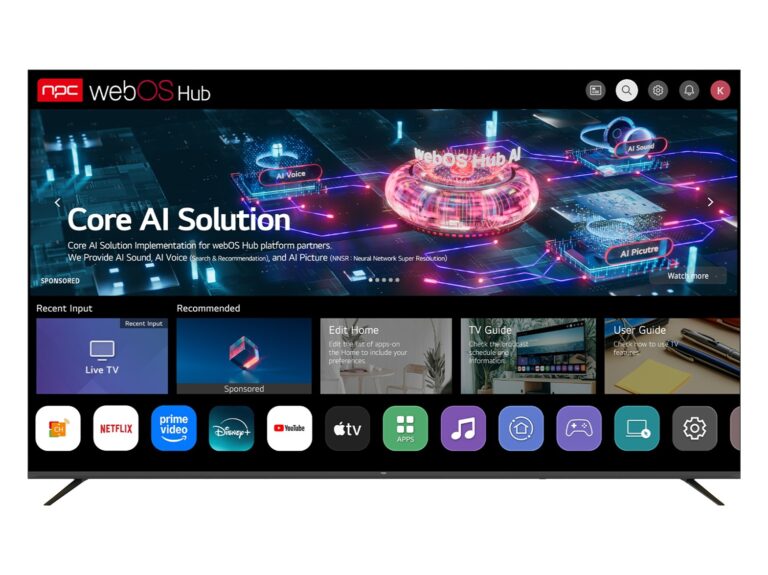
Alternatives and common procurement mistakes
There are workable alternatives: ruggedized monitors for industrial control, professional-grade signage with networked management, and modular video wall tiles. Common mistakes repeat: buying on price alone, neglecting spare-part logistics, and assuming all “commercial” labels mean the same tests were performed. Don’t let a flashy spec sheet substitute for a maintenance plan and a vendor who provides service documentation.
Selecting partners and what to ask next
Choose partners who answer directly and provide test data. Request environmental test certificates, firmware rollback procedures, and a clear RMA flow. Ask whether software updates can be staged and whether the screen supports centralized monitoring. Vendors that share real test logs and an honest spare-parts timeline reduce surprises. For production-scale installs, prefer suppliers that can match panel specifications to the facility’s real variables: light, dust, heat, vibrations.
Practical wrap-up
Fix the right problem: match display durability to the site, validate firmware and spare-part plans, and verify control interfaces. When you pick a partner who shares test evidence and supports long-term service, the deployment stays reliable and maintenance stays predictable, and that kind of dependable supply shows in projects handled by npc.